
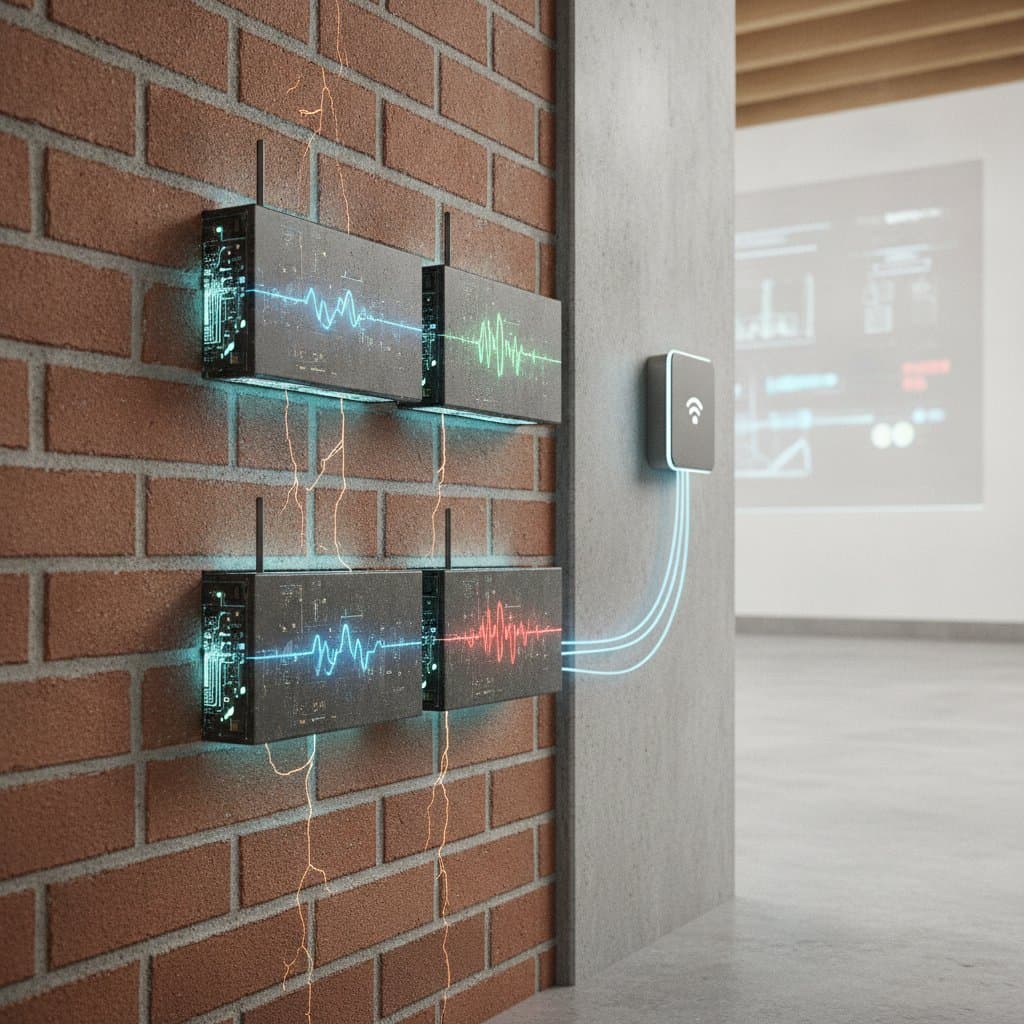
Smart Bricks Track Foundation Health 24/7
Foundation movement often begins with subtle changes that are difficult to see during a routine inspection. A hairline crack, slight moisture increase, or small shift in masonry can signal a developing structural problem. Smart bricks combine masonry materials with embedded sensors and connected monitoring systems, giving property owners continuous information about foundation conditions. This guide explains how smart bricks work, where they fit, what they cost, and how to use their data responsibly.
Key takeaways
- Smart brick monitoring systems commonly cost $25 to $100 per monitored brick, with installation and network equipment adding 30 to 50 percent of the project total.
- Sensors track movement, strain, moisture, temperature, and vibration at intervals ranging from several minutes to one hour, depending on the system.
- Proper installation requires stable sensor placement, weather protection, reliable connectivity, and professional interpretation of structural data.
- Smart bricks suit new masonry, foundation repairs, historic buildings, retaining walls, and locations where access for repeated inspections is difficult.
- Electronic monitoring supports inspections, but it does not replace building codes, engineering evaluations, or immediate repairs for unsafe conditions.
How smart bricks monitor masonry
A smart brick looks similar to a conventional masonry unit, but it contains or connects to sensors that measure physical conditions. Depending on the design, sensors may detect compression, tension, displacement, moisture, temperature, or vibration. A small communications module sends readings to a gateway, cloud platform, or local building management system.
The system establishes a baseline after installation. Software then compares new readings with that baseline and identifies unusual changes. A gradual increase in moisture may point to drainage failure. Repeated movement during temperature changes may be normal, while continuous displacement can require engineering review.
Smart bricks do not diagnose a foundation by themselves. They provide measurements that help qualified professionals recognize patterns earlier and decide when a hands-on inspection is necessary.
Where the technology fits
Use smart bricks where structural conditions need frequent observation or where inspections are difficult to perform safely.
- Foundation walls: Monitor movement, moisture, and strain near corners, openings, and repaired cracks.
- Retaining walls: Track pressure-related movement and water conditions behind the wall.
- Historic masonry: Collect data with minimal visual disruption to vulnerable brickwork.
- New construction: Establish a structural baseline before landscaping, occupancy, or nearby excavation.
- Commercial buildings: Connect masonry monitoring to broader facility management systems.
- Remote properties: Review readings without visiting the site for every inspection.
Place sensors near known stress points, but avoid concentrating every sensor in one area. A structural engineer should identify locations based on wall design, soil conditions, drainage, load paths, and previous damage.
Planning, cost, and technical requirements
Before purchasing equipment, document existing conditions. Photograph cracks, measure their width with a crack gauge, and record moisture sources, grading, downspouts, and nearby excavation. A crack wider than 1/8 inch, increasing displacement, or visible wall rotation requires professional assessment before you rely on automated monitoring.
National project costs commonly fall between $2,000 and $10,000 for a small residential installation. Materials and sensors account for about 35 to 50 percent, labor and engineering services account for 30 to 45 percent, and gateways, software, calibration, and equipment account for 15 to 25 percent. Complex commercial systems can cost substantially more.
- Sensor range: Confirm the device can measure expected movement without reaching its limit.
- Accuracy: Require published accuracy and resolution, preferably verified through independent testing.
- Environmental protection: Use enclosures rated for damp locations, freeze exposure, and masonry moisture.
- Connectivity: Confirm cellular, Wi-Fi, or low-power radio coverage at the foundation.
- Power supply: Choose protected wiring, replaceable batteries, or a backup power source.
- Data security: Use encrypted transmission, controlled user access, and exportable records.
- Code compliance: Confirm the installation does not weaken the wall or violate local electrical requirements.
Permit rules vary by jurisdiction. Ask the building department whether structural alterations, wiring, exterior equipment, or work in a flood zone requires approval. Follow local building codes and involve a licensed engineer when the system supports decisions about load-bearing masonry.
Installing a smart brick monitoring system
Prepare the site
Begin by cleaning the selected masonry area without removing sound mortar. Repair loose units, unstable joints, and active leaks before installing sensors. Correct obvious drainage problems, including short downspouts, blocked drains, and soil that slopes toward the foundation.
Record the wall condition with photographs and measurements. Mark each monitoring location on a plan, including its elevation, distance from corners, and relationship to windows, doors, beams, and repaired cracks.
Install sensors and communication equipment
Use a qualified masonry contractor or trained installer for embedded units. Do not cut structural brick or mortar without an approved installation method.
- Place sensors according to the engineer's monitoring plan.
- Seal penetrations with compatible materials that allow expected thermal movement.
- Protect cables from abrasion, water, ultraviolet exposure, and accidental impact.
- Install the gateway where it receives a stable signal and remains accessible for service.
- Label every sensor so readings match the physical location.
Establish the baseline
Allow the system to collect initial readings under normal conditions. Record indoor and outdoor temperature, recent rainfall, soil moisture when available, and the building's occupancy condition. Calibration should include a professional review of sensor placement and data quality.
Set alerts in consultation with an engineer. An alert should reflect meaningful change, not every minor fluctuation. Temperature can expand masonry, while wet soil can increase lateral pressure. Separate normal seasonal patterns from progressive movement before setting a repair threshold.
Reading alerts and troubleshooting problems
Treat an alert as a prompt for investigation, not proof of failure. Check whether several nearby sensors show the same trend. Inspect cracks, floors, doors, drainage, and exposed masonry. Record conditions before changing anything.
Common problems include:
- False movement alerts: Check temperature swings, loose sensor mounts, and damaged cables.
- Missing data: Test power, network strength, battery condition, and gateway connections.
- Rising moisture readings: Inspect gutters, grading, plumbing, condensation, and waterproofing.
- Conflicting sensor readings: Verify calibration and compare the readings with a physical inspection.
- Rapid displacement: Restrict access near the wall and contact a structural engineer immediately.
Do not cover cracks, repoint mortar, excavate beside the foundation, or change drainage before documenting the readings. Repairs can hide the cause and make trend analysis harder.
Maintenance and professional review
Inspect the system at least every three months. Check enclosures, cables, batteries, mounting points, seals, network status, and sensor labels. Export and store records in more than one location. Schedule a professional review at least once each year, or more often for active movement, flood exposure, historic masonry, or commercial buildings.
Watch for diagonal cracks near openings, horizontal foundation cracks, wall bulging, uneven floors, sticking doors, water entry, and settlement greater than 1/4 inch across a monitored area. A crack that grows, changes direction, or exceeds 1/8 inch deserves prompt evaluation.
When to choose professional installation
Professional installation becomes essential when the monitoring system will influence structural decisions or when the masonry requires specialized handling. Licensed contractors understand load paths, material compatibility, and local permit requirements that affect long-term system performance.
Homeowners who attempt installation without proper training risk damaging structural elements or creating false readings that mask actual problems. Professional teams also provide calibration services and ongoing support that ensure the monitoring data remains reliable over time.
Making monitoring data actionable
The real value of smart brick systems emerges when property owners translate sensor readings into maintenance decisions. Regular data review helps identify drainage issues before water damage spreads, spot movement patterns that suggest soil settlement, and track temperature-related expansion that might otherwise cause concern.
Property owners should establish response protocols before problems arise. This includes knowing which readings warrant immediate professional inspection versus routine monitoring adjustments. Clear communication between monitoring data and qualified contractors prevents small issues from developing into major structural repairs.